bootstrap_italia_flutter
Bootstrap Italia, the design system of Italian public administration, as a Flutter package: 60 widgets, and a catalogue that runs in the page.
- Role
- Author and maintainer: the widgets, the tests, the catalogue app, the checks and the releases
- Type
- Open-source Flutter package, MIT licence, on pub.dev
- Period
- July 2026 – today (0.1.2, October 2026)
- Platforms
- Android, iOS, web, macOS, Windows and Linux
The product
Bootstrap Italia is the design system that Italian public-sector websites are built on, and it exists as CSS and JavaScript only. bootstrap_italia_flutter brings it to Flutter: the same buttons, alerts, cards, forms, headers, megamenus and modals, for the apps that a public administration publishes next to its site.
I wrote it after bootstrap_italia_icons, the icon package I had already published, and put it on pub.dev in October 2026. It is deliberately unofficial: the name ends in _flutter, the README says it is not produced or endorsed by Developers Italia or AgID, and it does not claim accessibility conformance, which is a legal requirement for these services, until that has been tested with real assistive technology.
- 60
- widgets exported: buttons, alerts, cards, forms, modals, headers, megamenus, carousels and more
- 1,055
- automated tests, 369 of them contracts on what a screen reader is told
- 73/74
- component states within 5% of the official kit’s own rendering
- 3
- languages for the strings it speaks on your behalf: Italian, German and French
Walkthrough
The app, in motion
Pick a recording, or jump straight to a chapter.
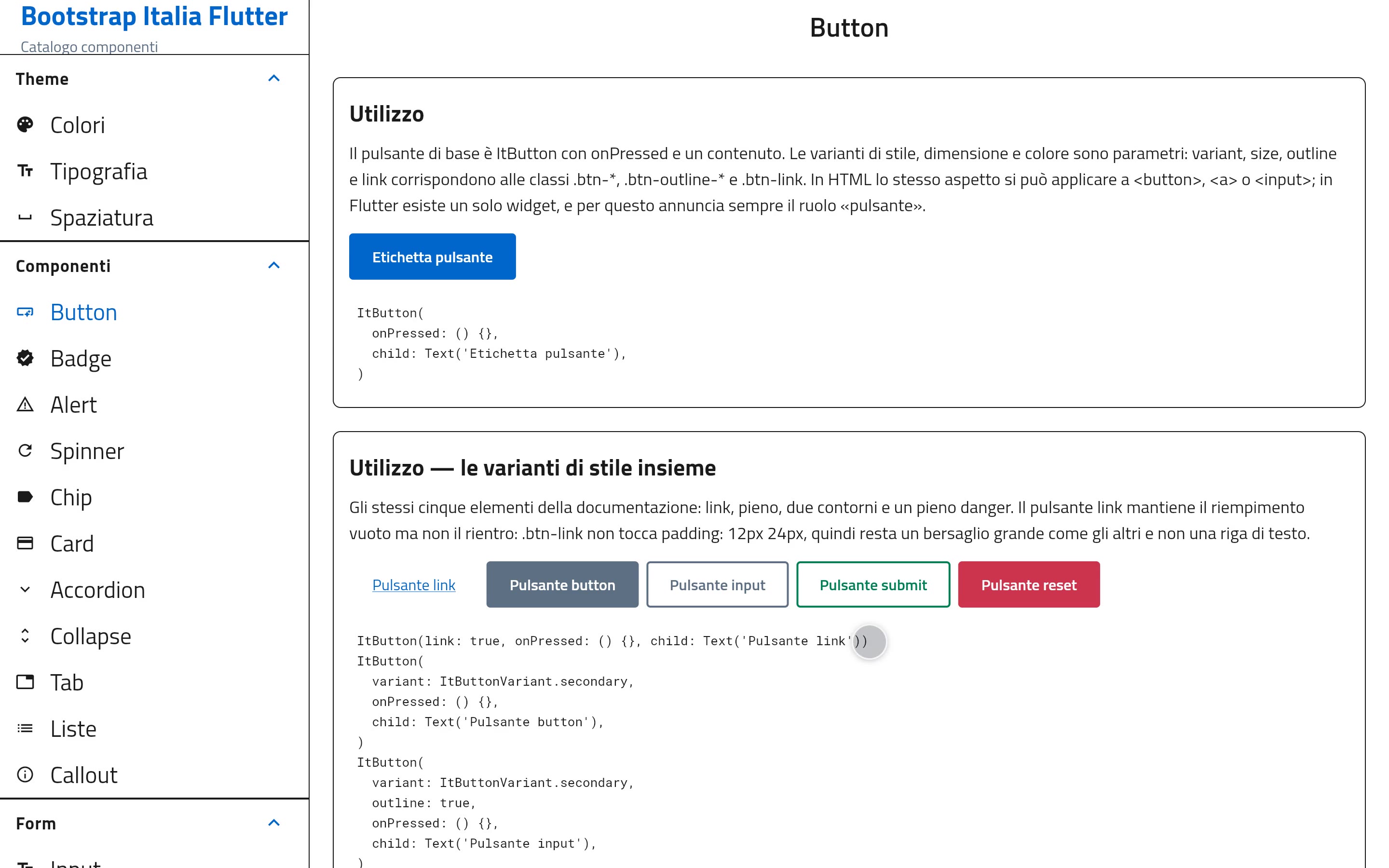
Recorded from the package’s example app built for the web, at a desktop width: the catalogue is a list on the left and the page on the right. A script drives it through Flutter’s accessibility tree; no sound.
What it does
A design system, read rather than eyeballed
01
The kit’s look, from the kit’s CSS
Every colour, size, padding and border is read from the compiled CSS of Bootstrap Italia 2.18.0, not guessed from screenshots. The buttons, alerts and cards in the catalogue are the same widgets a consumer app gets, with the same tokens, and the fonts (Titillium Web, Lora, Roboto Mono) travel inside the package.
02
Forms that work with a keyboard and a screen reader
Inputs, selects, checkboxes, radios, toggles and an autocomplete, each with its label, hint and error tied to the field. The autocomplete narrows its list as you type, highlights the match and announces how many results there are without moving the focus.
03
Navigation and overlays that keep the focus
The megamenu opens a section into a panel of links and gives the focus back to the entry that opened it; the modal takes the focus, keeps it and closes on Esc. These are the parts that go wrong first when a design system is rebuilt for another toolkit.
Under the hood
How it was built
Accessibility checked in layers
Tests assert the roles and states in Flutter’s semantics tree; axe-core runs against this package and against the official React kit, so a problem that comes from upstream is never reported as mine; contrast and target sizes are computed from the tokens, because axe cannot judge contrast on a Flutter canvas; and on devices, the Android and iOS accessibility trees are read back, which is where the layers above stopped agreeing with the platform. None of the device checks run in CI, and the README says so.
Honest about what it is and is not
There is a conformance document that states what has and has not been verified, a list of the components the kit has and the package does not (progress bars, steppers, timeline, pagination), and a closing section on each catalogue page for the parts of the documentation that mean nothing in Flutter, so a reader does not wonder whether they were missed.
A promise that needed a test
The README says the package makes no third-party requests, which matters for GDPR in public administrations. A web soak test found that Flutter’s web renderer downloads Roboto from fonts.gstatic.com at startup whatever the app uses, unless the app declares a font family named exactly Roboto. The catalogue now bundles one, and the soak test fails if that request ever comes back.
The catalogue, running in the page
The package’s own example app, live
A widget library is best judged by using it. The package ships a catalogue app that mirrors the official Bootstrap Italia documentation page by page, with the Dart that produced each example beside it; here it is, built for the web.
- 1
The published code, built for the web
The repository at the 0.1.2 release, its example app built with flutter build web. The renderer is served from this site rather than from Google’s CDN, and the fonts are the package’s own.
- 2
Nothing from outside
The recording runs with every outside request refused, and it found one: an invisible character in one catalogue text that no bundled font draws, which makes Flutter fetch a fallback font from Google. The copy shown here drops that character; the package is untouched.
- 3
Driven through the accessibility tree
Flutter draws on a canvas, so there is nothing to click. A Playwright storyboard turns on the semantics tree, finds each widget by its accessible name, and touches it like a finger would; scrolling the sidebar to reach the lower entries is part of the script.
- 4
Two layouts
At a desktop width the catalogue is a list and a page side by side; below the large breakpoint the list fills the screen and each page replaces it. The recordings show the first, the live example the second.
The texts are the package’s own, in Italian, following the official documentation. Bootstrap Italia and the Italian Republic’s visual identity belong to their owners; this package is a community port with no official status.
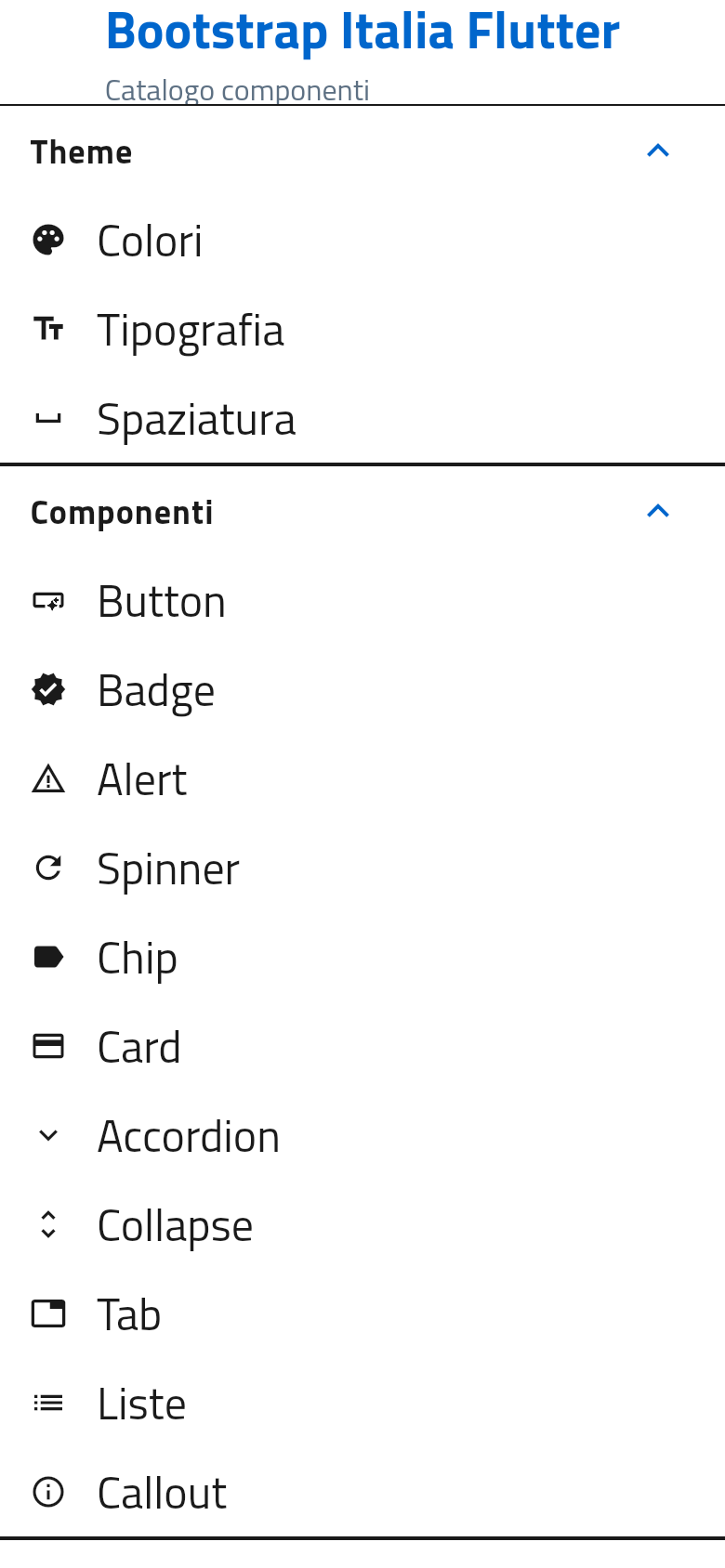
Runs entirely in your browser, at a phone’s width: open a section, then a component. The recordings show the desktop layout.
Every screen
The full set of screenshots
ButtonsThe five styles of the kit, the same widget: ItButton. The code for each example sits under it. AlertsThe five alert types of Bootstrap Italia, with its icons and colours, announced to screen readers. CardsA card from its minimal form to the complete one: category, date, title as a link, body. Text fieldsThe field types the documentation lists, each with the right keyboard on a phone. AutocompleteTyping narrows a list of regions; the matching part is highlighted and the results are announced. SelectThe select with its menu open, in the font of the kit. MegamenuThe kit’s megamenu: a bar of sections that open into a panel of links. ModalA modal dialog: it takes the focus, keeps it, and Esc closes it.
On the phone
The catalogue on a phoneBelow the large breakpoint the catalogue is a list of sections, each opening into its page. A page on a phoneEach component page keeps the documentation’s order: a live example, then the code.
Next case study
Indennizzo Diretto →