Automha
A warehouse-automation maker’s whole sales library (catalogues, photos, videos, case studies) in one app.
- Role
- Flutter developer: the mobile app
- Client
- Automha, through LC Solutions
- Period
- 2021
- Platforms
- iOS and Android from one codebase
The product
Automha designs automated warehouses: shuttles, stacker cranes, the software that runs them. Its sales material is large and keeps growing: catalogues, installation photos, videos, case studies, press reviews, certificates.
The app puts all of it in one place: browse by section, narrow by solution, sector and product, open documents without leaving the app, keep them on the phone for when there is no signal, share them, and write to the company.
- 8
- kinds of content, one list-and-detail pattern
- 2
- languages, switched in place: Italian and English
- 4
- ways to sign in: e-mail, Google, Facebook, Apple
- 8.7k
- lines of Dart
Walkthrough
The app, in motion
Pick a recording, or jump straight to a chapter.
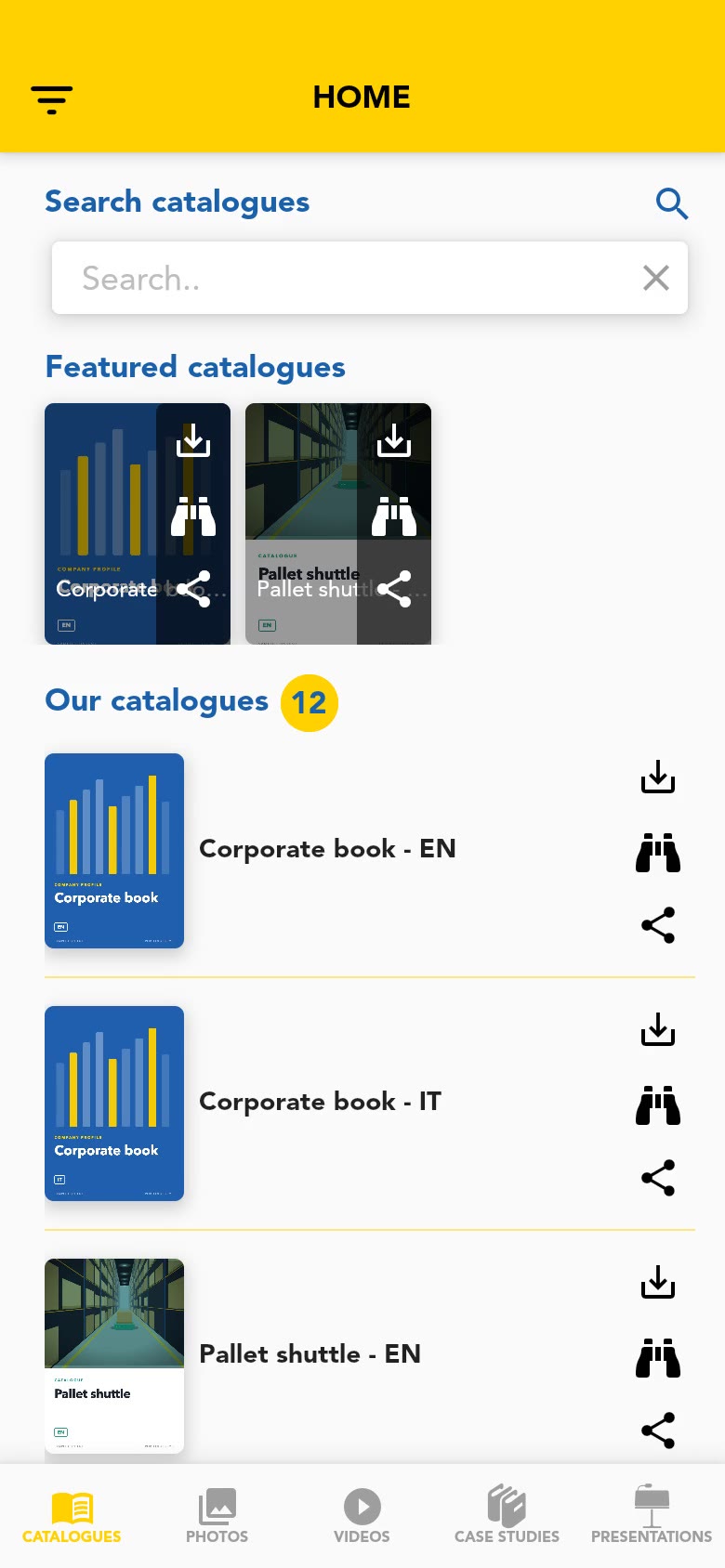
Recorded from the original code at phone size, running on a stand-in backend with sample content. No sound.
What it does
A sales library that fits in a pocket
01
Five sections, one pattern
Catalogues, photos, videos, case studies and presentations sit in the bottom bar. Each section works the same way: what the company wants to push on top, then the full list with a counter, loaded a page at a time as you scroll. Every entry carries the same three actions: download, view, share.
02
Filters and search
A side panel narrows photos, videos and case studies by solution, sector and product type; the choices combine and the counter follows. Each section also has its own search, handled by the server so it covers the whole library and not just what is already on screen.
03
Documents open inside the app
Browsing is free; opening or downloading asks for an account, by e-mail or with Google, Facebook or Apple. From there PDFs open in a built-in viewer, photos full screen, and products on a page with picture, description and data sheet.
04
Kept on the phone
A document can be saved for later: it is stored on the device, a notification confirms it, the download icon disappears from the entry and the file joins “Downloaded resources”, grouped by type and available offline. Sharing hands the same file to the system share sheet.
05
The rest of the company, two languages
The side menu leads to the product range, press reviews, certificates and a contact form for the sales office. Italian and English switch in place: labels, lists and the documents themselves follow.
Under the hood
How it was built
One pattern, written once
Eight content types share one model, one service and one set of widgets: a type name decides the endpoint, the labels and what opening an item means (viewer, player or product page). Each screen has its own BLoC on RxDart streams; sign-in state and the list of saved items are shared through inherited widgets.
Driven by the server
Lists, featured items, filters, even the welcome message come from the REST API in the language the user picked, so what the app shows changes without a release. The same settings call carries the minimum supported version: an older build is asked to update before it can do anything else.
Files, tokens, notifications
Downloads are written to the app’s documents folder with their metadata alongside, so the offline list survives restarts. Tokens live in the platform’s secure storage and an expired one is renewed at launch. Push notifications arrive through Firebase Cloud Messaging topics, one per language; a local notification confirms each download and opens the file when tapped.
Recording a live app
The app is real. The catalogue in these recordings is not.
This product is alive, with real accounts, real documents and a real inbox behind its contact form. None of that belongs in a portfolio, so the recordings use none of it.
- 1
The 2021 code, built for the browser
The original source compiles with the Flutter release it was written for and runs at phone size in Chrome. What only exists on a phone (push notifications, secure storage, the file system, the share sheet) is replaced by small stand-ins.
- 2
A stand-in backend inside the app
The network layer hands every request to a small backend compiled into the demo. It answers with the routes and JSON shapes the app expects (paged lists, featured items, filters and search passed as headers), so models, blocs and screens run unchanged.
- 3
A sample catalogue, made from scratch
Titles and texts are invented, pictures are drawn by a script, documents are placeholder PDFs generated on the fly. The welcome message the app shows at launch says so.
- 4
Recorded by a script, offline
A storyboard drives the app with real touch events and records the screen. The recorder refuses any request that leaves the machine, so a take cannot reach the real service even by mistake.
Logo and colours are the app’s own. Everything in the lists (titles, pictures, documents) is sample content and does not come from Automha.
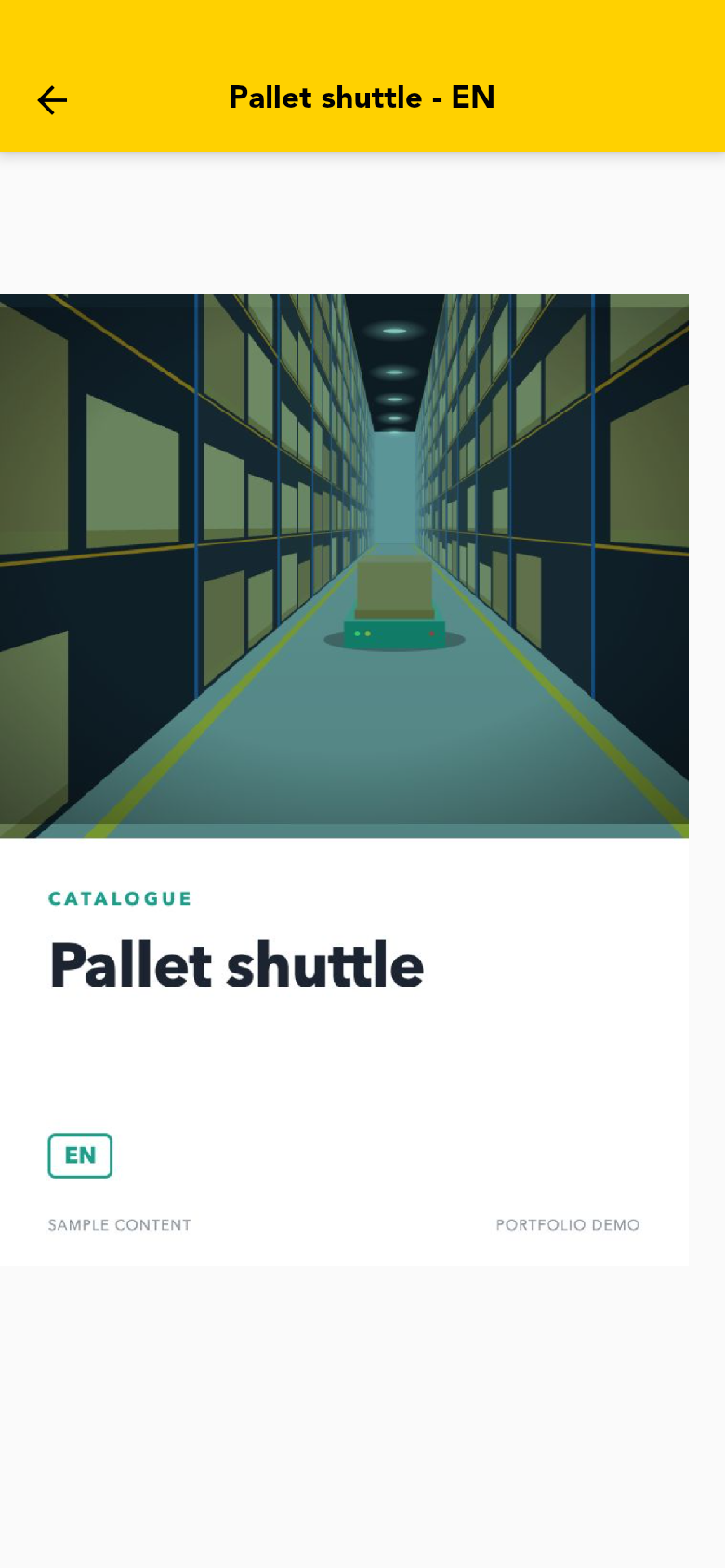
A placeholder catalogue from the sample content, open in the app’s PDF viewer.
Every screen
The full set of screenshots
Welcome messageA message set on the server greets the user at launch. In this build it says what the demo is. CataloguesHome: featured items on top, then the full list with download, view and share on every entry. PhotosInstallation photos in a two-column grid, loaded page by page. FiltersPhotos, videos and case studies can be narrowed by solution, sector and product type. Filtered listThe list and its counter follow the selected filters. VideosVideos open in the phone’s player. Case studiesCustomer case studies as PDF documents. SearchEach section has its own search. Sign inE-mail and password, Google, Facebook or Apple. Opening or downloading a document brings the visitor here. PDF viewerCatalogues, case studies, press reviews and certificates open inside the app. Photo viewerPhotos open full screen. ProductsThe product range, from the side menu. Product pagePicture, description, and the data sheet to download. DownloadThe download icon saves the document on the phone and disappears from the entry. Side menuThe other sections and the language switch. Downloaded resourcesWhat was saved, grouped by type, available without a connection. Press reviewPress reviews, one entry per issue. Documents and certificatesCertificates and company documents. Contact formA request to the sales office, from inside the app. ItalianInterface and content follow the chosen language.
Next case study
Massage Mate →